Solutions / AI receptionist
A receptionist that picks up on the first ring, every time.
Point your main number at Tried. It greets callers with your business name, answers their questions and puts the right calls through to your team.
Inbound call
+61 4 1255 5019
Agent: Hi, thanks for calling Bondi Dental, this is Ava. How can I help you today?
Caller: Are you open on Saturday?
Agent: Yes, we're open 9am to 1pm on Saturdays. Would you like to book a time?
Caller: Actually I need to talk to someone about my bill.
Agent: Sure. Can I get your name so I can let the front desk know who's calling?
- Front desk briefed, putting the caller through
Illustration of an example call.
What the agent does
The job, step by step.
- Typical setup
- Set up as
- A written brief
- Can do
- Transfer to front desk, end the call
- Knows about
- Website FAQ, price list, policies
- Captures
- Caller name, reason, callback number
- 01
Answer common questions
Opening hours, location, parking, services and prices, from the information you give it: your website, documents or notes.
- 02
Put calls through
Transfer straight to the right person, or have the agent brief them first so the caller does not repeat themselves.
- 03
Take a message when nobody is free
The agent takes the caller's name, number and reason for calling, and sends it to your team.
- 04
Answer after hours too
The same agent picks up at night and on weekends, so a caller is never sent to voicemail.
After the call
Every call, summed up.
When the call ends you get a short summary, how the caller felt, whether the call did its job, and the details you asked for, ready to send to your other systems.
Call summary
Summary
Caller asked about Saturday hours, then asked to discuss a bill. Put through to the front desk.
Details captured
- CallerPriya Shah
- ReasonBilling
- TransferredYes
In the dashboard
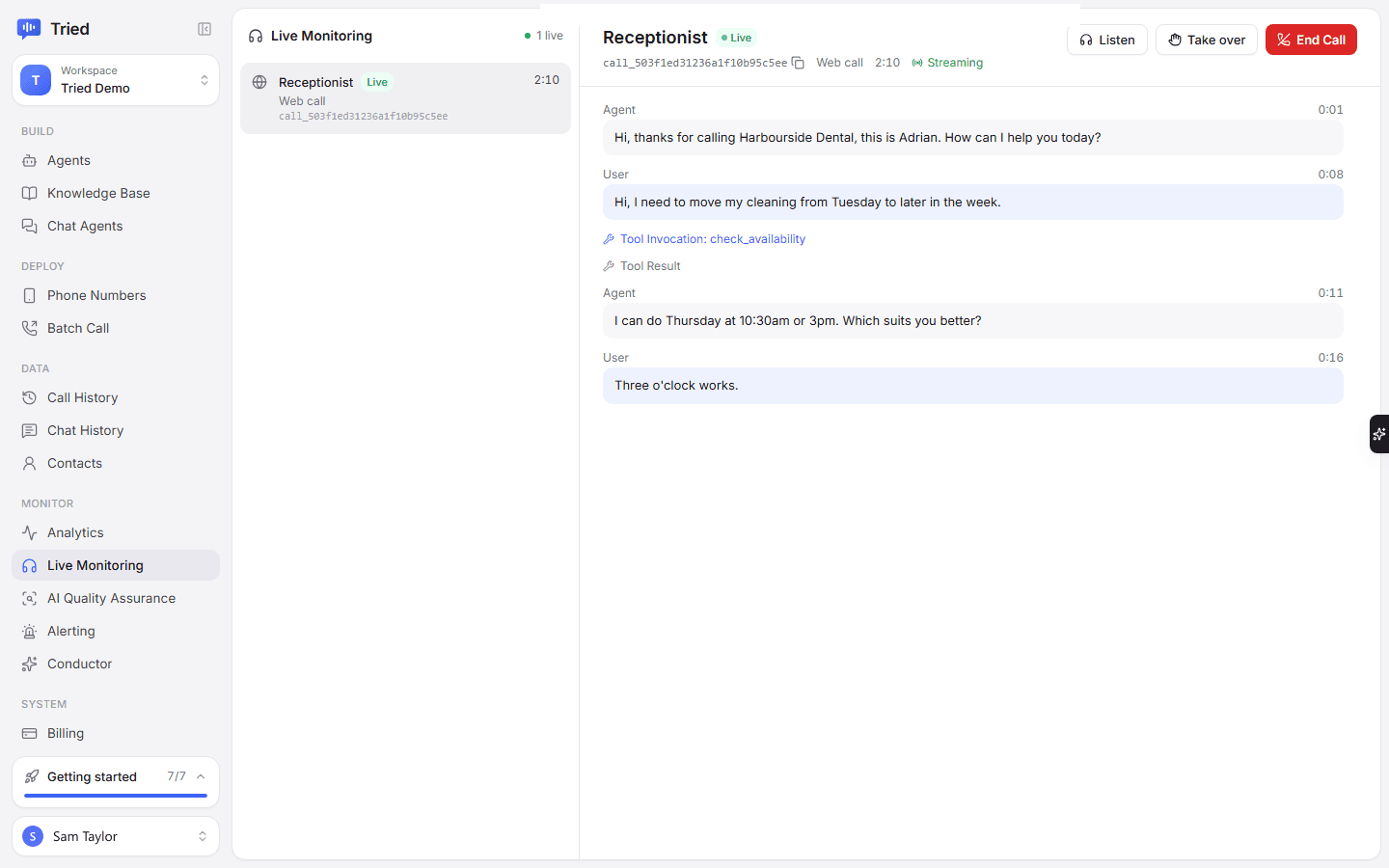
Set up in the Tried dashboard.
Questions
Something missing? Email hello@tried.com.au.
Can it use my existing number?
Yes. Keep your number with your current phone company and point it at Tried, or forward your line to it.What if nobody answers when it puts a call through?
You can give it a backup: the agent comes back to the caller and takes a message instead.How do I keep answers accurate?
It answers from the information you give it. Tell it to take a message rather than guess, and test it with your own questions before it goes live.
Other use cases
- Appointment bookingBooks, moves and cancels appointments in your calendar while the caller is on the line.
- Lead qualificationCalls new leads within minutes, asks your questions and puts the good ones through to sales.
- Customer supportAnswers common support questions, looks up orders and passes the rest to your team.
- Outbound callingCalls your list for reminders, follow-ups and surveys, during the hours you choose.

Have you Tried it yet?
Create an account, pick a template and talk to your new receptionist in the browser. You only pay for the minutes you use.